
Boost Your Visibility with SEO: The Digital Product Seller’s Guide
Launching your online store is just the beginning — now it’s time to get seen.
Search Engine Optimization (SEO) is one of the most powerful tools you can use to increase visibility, attract the right audience, and generate consistent traffic to your digital products.
If your store is ready but your sales are quiet, this guide will help you change that. Here’s how to make SEO work for your digital product business step by step.
1. Start with Strategic Keyword Research
Every great SEO plan begins with understanding how your customers search.
Ask yourself:
What words would my ideal buyer type into Google?
What problems do my products solve?
What language do they use to describe them?
For example:
A digital planner creator might target “2026 printable planner templates” or “editable digital planner for Notion.”
A clipart seller could focus on “watercolour pumpkin clipart” or “Christmas digital paper pack.”
Action Steps:
Use tools like Keywords Everywhere, Ubersuggest, or Google Keyword Planner to find keywords with good search volume but moderate competition.
Keep a spreadsheet of your top keywords sorted by category (e.g., planners, clipart, templates).
Aim to use both broad and long-tail keywords. For instance, “digital paper” is broad, while “elegant gold Christmas digital paper” is long-tail and more specific to your audience.
2. Optimize Your Product Listings
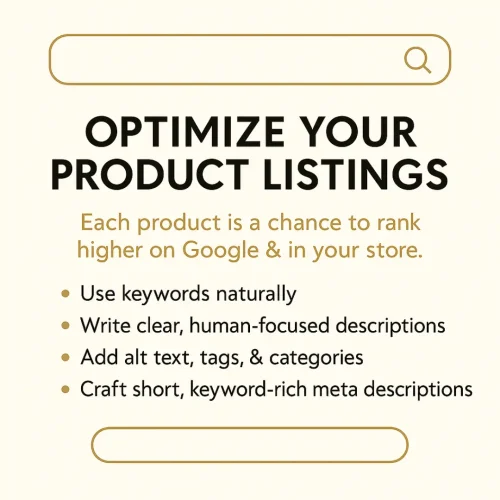
Each product in your store is an opportunity to rank in search — both on Google and your eCommerce platform.
Make sure every listing is structured for visibility:
Title: Include your main keyword naturally (e.g., “Rustic Fall Pumpkin Clipart Bundle | Watercolour Autumn Clipart Set”).
Description: Write for humans first, search engines second. Use your keywords 2–3 times throughout and focus on what the customer gains.
Alt Text: Add descriptive image alt tags like “watercolour pumpkin clipart in rustic fall tones with cream and green accents.”
Tags & Categories: Add related search terms (e.g., “digital clipart,” “fall decor graphics,” “autumn aesthetic”).
Meta Description: Summarize your product in under 160 characters, using your keyword near the start.
These small changes can significantly increase your visibility on Google Images, Pinterest, and within your shop’s internal search.
3. Use Your Blog to Drive Long-Term Visibility and Build Trust
Your blog is one of the most powerful tools for driving consistent, long-term traffic to your store. Every post you publish gives you the opportunity to target new keywords, educate your audience, and position yourself as an expert in your niche. Unlike social media posts that disappear after a few days, blog articles continue to attract new visitors for months — even years — after they’re published.
By consistently posting valuable content around your niche, you’re not just sharing ideas — you’re building a library of evergreen resources that boost your SEO and keep your audience coming back for more.
Content Ideas to Inspire Your Posts
When brainstorming what to write, think about what your audience searches for or struggles with. Your goal is to provide helpful content that naturally ties into your products.
Here are a few examples:
-
“5 Ways to Use Digital Papers in Your Christmas Craft Projects”
Show readers how your digital paper collections can be used for gift tags, printable cards, wall art, or planner spreads. Include visuals of your Elegant Gold Christmas Digital Paper Collection in use for extra inspiration. -
“The Best Digital Products to Sell in 2025”
Write about current and emerging trends in the digital product space — from PLR resources to seasonal clipart bundles — positioning your store as a go-to source for high-quality, ready-to-sell assets. -
“How to Create Planners That Actually Sell”
Educate readers about what makes a best-selling planner — discuss design aesthetics, layout psychology, and marketing tips. Then link to your pre-made planner templates or mockups to help them take action right away. -
“SEO Tips for Etsy and WooCommerce Sellers”
Offer beginner-friendly SEO strategies, explaining how keywords, product titles, and descriptions impact visibility. Mention your own marketing resources or SEO course as a next step for readers who want to learn more.
Pro Tip: Turn Blog Readers into Buyers
Every blog post should have a purpose — whether it’s to teach, inspire, or convert. The simplest way to guide readers from interest to purchase is by linking directly to the products you’ve mentioned.
At the end of each article, feature one of your related products with:
-
A high-quality preview image (mockup or lifestyle shot)
-
A short description highlighting the product’s benefits
-
A clear call-to-action such as “Shop the Collection”, “Download Now”, or “Explore More Designs”
For example:
If your post is about Christmas craft projects, include your Elegant Gold Christmas Digital Paper Collection with a line like:
“Bring your Christmas designs to life with this Elegant Gold Digital Paper Collection — perfect for festive printables, holiday cards, and cozy winter branding projects. Download it here →”
This approach keeps your content authentic, educational, and subtly promotional — helping you nurture trust while increasing product visibility and conversions over time.
4. Build Backlinks and Boost Your Site’s Authority
Backlinks — links from other websites pointing to yours — are one of the strongest signals search engines use to determine trust and authority. When reputable sites link to your store or blog, Google views your content as more credible, increasing your chances of ranking higher in search results.
Think of backlinks like digital “votes of confidence.” The more quality links your site earns, the more Google believes you’re a trusted source within your niche — whether that’s digital art, templates, planners, or clipart design.
But not all backlinks are created equal. Quality matters far more than quantity. A single link from a trusted, high-traffic creative site is far more valuable than dozens from low-quality directories.
Here are some simple, sustainable ways to build high-quality backlinks for your digital shop:
🤝 Collaborate with Other Digital Creators
Partnerships are one of the most effective and organic ways to earn backlinks. You can:
Guest post on a related creator’s blog — share your expertise on topics like Etsy SEO, product photography, or digital product design. In return, include a link to your shop or resource library.
Co-create resources such as “Holiday Design Starter Kits” or “Freebie Roundups,” featuring products from both your brand and your collaborators’. Each partner links back to the others’ sites, expanding reach and authority for everyone involved.
Interview or feature other creators on your own blog. They’re likely to share the post with their audience — earning you referral traffic and backlinks in return.
This strategy not only boosts SEO but also strengthens relationships within your niche — which can lead to future collaborations, cross-promotions, and bundled offers.
📌 Pinterest SEO Still Matters (Even with Nofollow Links)
Pinterest links are classified as nofollow, which means they don’t directly transfer SEO authority to your website in the way that traditional backlinks do.
But — and this is important — Pinterest still plays a major part in your SEO ecosystem. Here’s why:
Traffic Signals Still Count:
When Pinterest consistently sends visitors to your website, Google interprets this as a sign of popularity and relevance. Even though the links are nofollow, the steady flow of organic traffic can indirectly help your SEO performance.Content Indexing Boost:
Each time your link appears on Pinterest (especially from repins or saves), Google indexes those pages. This increases your brand’s overall visibility across search results — sometimes your pins rank on Google right alongside your own site content.Keyword Reinforcement:
Pinterest is its own search engine, with powerful SEO algorithms. Optimizing your pin titles, descriptions, and alt text helps your pins rank for keywords — sending you free, targeted traffic that supports your broader SEO goals.Brand Authority and Awareness:
Consistent, well-branded pins create brand recall and trust. When people repeatedly see your shop name and visuals on Pinterest, they’re more likely to click your links in Google or remember your brand later.
So while Pinterest backlinks don’t directly increase domain authority, they contribute to SEO indirectly through visibility, engagement, and traffic consistency — three factors that search engines value highly.
🗂 Submit to Directories, Roundups, and Resource Blogs
Visibility matters, especially when you’re growing your digital product shop. Submitting your site to relevant creative directories or roundup posts can help increase exposure while building valuable backlinks.
Here’s where to start:
Creative Directories: Submit your shop to directories that highlight digital creators, graphic designers, or online educators. These listings not only drive referral traffic but also build credibility.
Digital Product Roundups: Look for blog posts or Pinterest boards titled “Best Christmas Digital Papers” or “Top PLR Resources for Entrepreneurs.” Contact the creators and ask if they accept submissions — many bloggers love showcasing quality resources from small businesses.
Resource Blogs and Newsletters: Offer your expertise or freebie in exchange for a mention or link. For example, a blog covering “Design Tools for Creators” might happily include a link to your free resource library or membership hub.
These backlinks act as a web of trust around your brand, signaling to search engines that your site is both relevant and reputable.
creating genuine connections and sharing value
Building backlinks isn’t about gaming the system — it’s about creating genuine connections and sharing value across your niche. When you consistently collaborate, create useful content, and distribute it strategically, backlinks start to grow naturally.
The result?
✅ Stronger SEO authority
✅ Increased referral traffic
✅ Higher visibility across search engines and Pinterest
Over time, this approach compounds — turning your store into a trusted, high-ranking hub for digital product buyers and fellow creators alike.
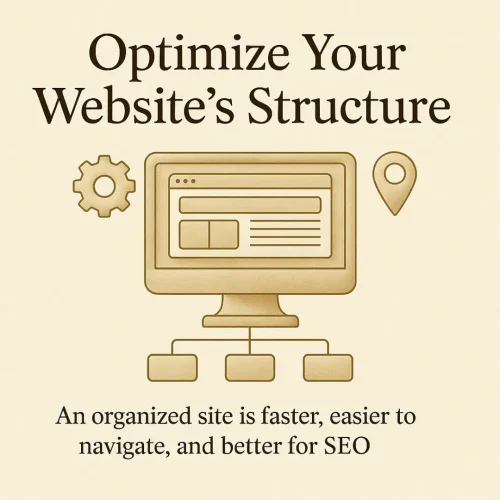
5. Optimize Your Website’s Structure
Technical SEO is the foundation of your site’s performance — it’s what happens behind the scenes that helps search engines understand, crawl, and rank your content effectively. While it’s less glamorous than visuals or design, it’s one of the most important parts of long-term SEO success.
A beautifully designed website won’t reach its full potential if it’s slow to load, hard to navigate, or confusing for search engines to index. Optimizing your structure ensures your visitors — and Google — can easily find what they’re looking for.
Here’s how to make sure your website is working with you, not against you.
Â
1. Speed: Every Second Counts
Your site’s loading time has a direct impact on both SEO rankings and user experience. Slow websites increase bounce rates — meaning people leave before they even see your products.
Action Steps:
Compress your images before uploading (aim for under 300 KB per file). Use tools like TinyPNG, Compressor.io, or Canva’s image optimizer.
Avoid oversized banners or videos on product pages — keep visuals crisp but lightweight.
Enable caching through your hosting provider or a plugin like WP Rocket or LiteSpeed Cache.
Test your site speed with Google PageSpeed Insights or GTmetrix to see what’s slowing it down.
💡 Pro Tip: Aim for a load time of under 3 seconds. Every second faster improves conversion rates and SEO visibility.
2. Mobile-Friendly Design
With most visitors now shopping and browsing on their phones, a mobile-optimized site isn’t optional — it’s essential. Google also uses mobile-first indexing, meaning it primarily evaluates your site based on how it performs on mobile devices.
Action Steps:
Test your store on mobile and tablet regularly — check text size, image alignment, and buttons.
Ensure menus and filters are easy to tap, not tiny or hidden.
Avoid large pop-ups that cover content on mobile.
Simplify your checkout process — fewer steps mean fewer cart abandonments.
💡 Pro Tip: Use responsive design tools in WordPress or Elementor to preview your site on multiple screen sizes before publishing any new content.
3. URLs: Keep Them Clean and Descriptive
Your URLs are like signposts for both users and search engines. A clear, descriptive URL tells Google exactly what your page is about — and makes it easier for users to trust your links.
Example:
✅ /rustic-fall-pumpkin-clipart-bundle
❌ /product?id=12345
Action Steps:
Use lowercase letters and hyphens (not underscores).
Include your main keyword where it fits naturally.
Avoid unnecessary words like “the,” “and,” or “collection.”
Keep URLs short and readable (under 75 characters is ideal).
💡 Pro Tip: When you rename a product or page, use 301 redirects to guide users from the old link to the new one — this preserves your SEO equity.
4. Internal Links: Create a Seamless Journey
Internal linking connects your pages and guides both users and search engines through your site logically. Think of it as building a map that helps visitors discover related content — and keeps them browsing longer.
Action Steps:
Link your blog posts to related products or resources.
Example: If you write a blog about “Holiday Clipart Trends,” link to your Elegant Gold Christmas Digital Paper Collection.
Add links between product pages and categories — like “You may also love…” or “Pairs perfectly with…”
Link back to your homepage and main category pages for easy navigation.
Use descriptive anchor text (e.g., “autumn clipart bundle” instead of “click here”).
💡 Pro Tip: Internal links aren’t just for navigation — they distribute SEO power across your site. When a high-performing blog post links to a product page, it helps that product page rank higher, too.
Build a Foundation That Helps Your Store Grow — Silently but Powerfully
A well-structured website makes it easy for both people and search engines to understand what you offer — and why it matters.
By keeping your site fast, mobile-friendly, and logically linked, you’re building the foundation for SEO success. This not only improves rankings but also enhances your visitors’ experience, encouraging them to explore your store, stay longer, and make more purchases.
Remember: technical SEO might not be visible, but its effects are. Behind every thriving online store is a solid structure quietly supporting its growth.
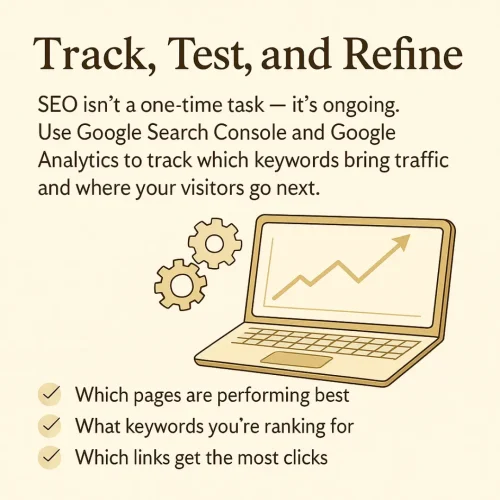
Track, Test, and Refine
SEO isn’t a one-time task — it’s ongoing.
Use Google Search Console and Google Analytics to track which keywords bring traffic and where your visitors go next.
Look at:
Which pages are performing best
What keywords you’re ranking for
Which links get the most clicks
Then, update your underperforming listings by adjusting titles, images, or descriptions. A single keyword tweak can sometimes double your visibility.
7. Bonus Tip: Leverage Pinterest SEO
Pinterest is a visual search engine, not just a social platform — and for digital products, it’s pure gold.
Use consistent keywords across your:
Pin titles
Descriptions
Board names
Alt text
Create multiple pin designs for the same product using slightly varied keywords. For example:
“Rustic Fall Pumpkin Clipart Bundle”
“Autumn Watercolour Clipart for Planners”
“Fall Digital Clipart for Scrapbooking”
Each variation targets new search queries and increases the chance your product will be discovered.
Build Momentum That Keeps Working Long After You Do
SEO might feel like a long game, but the results are lasting. Unlike ads, which stop the moment your budget does, SEO builds momentum over time — bringing consistent traffic and sales even while you sleep.
Start small: optimize one listing, write one blog post, and refine your keywords weekly.
Before long, your visibility — and your confidence — will grow.
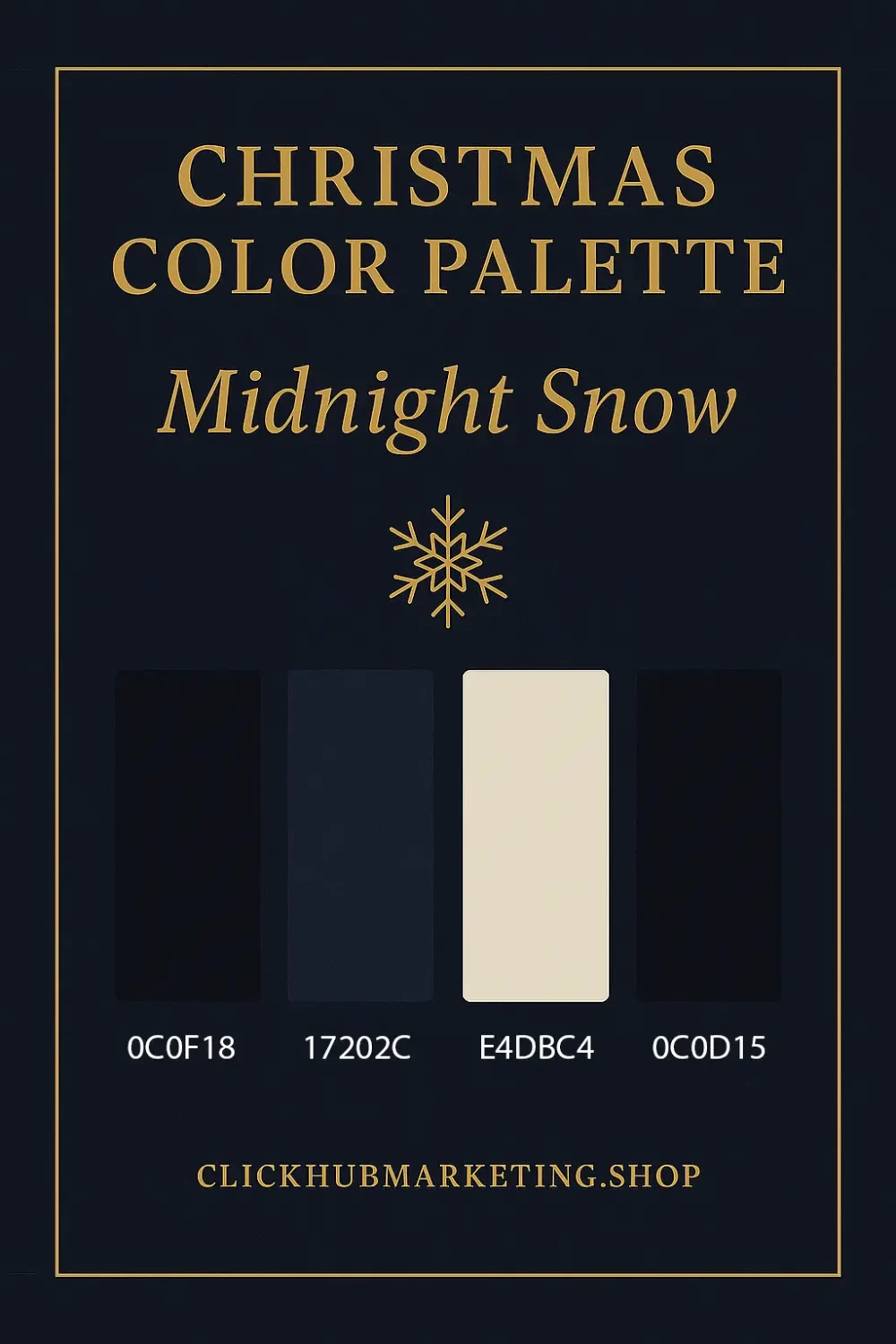
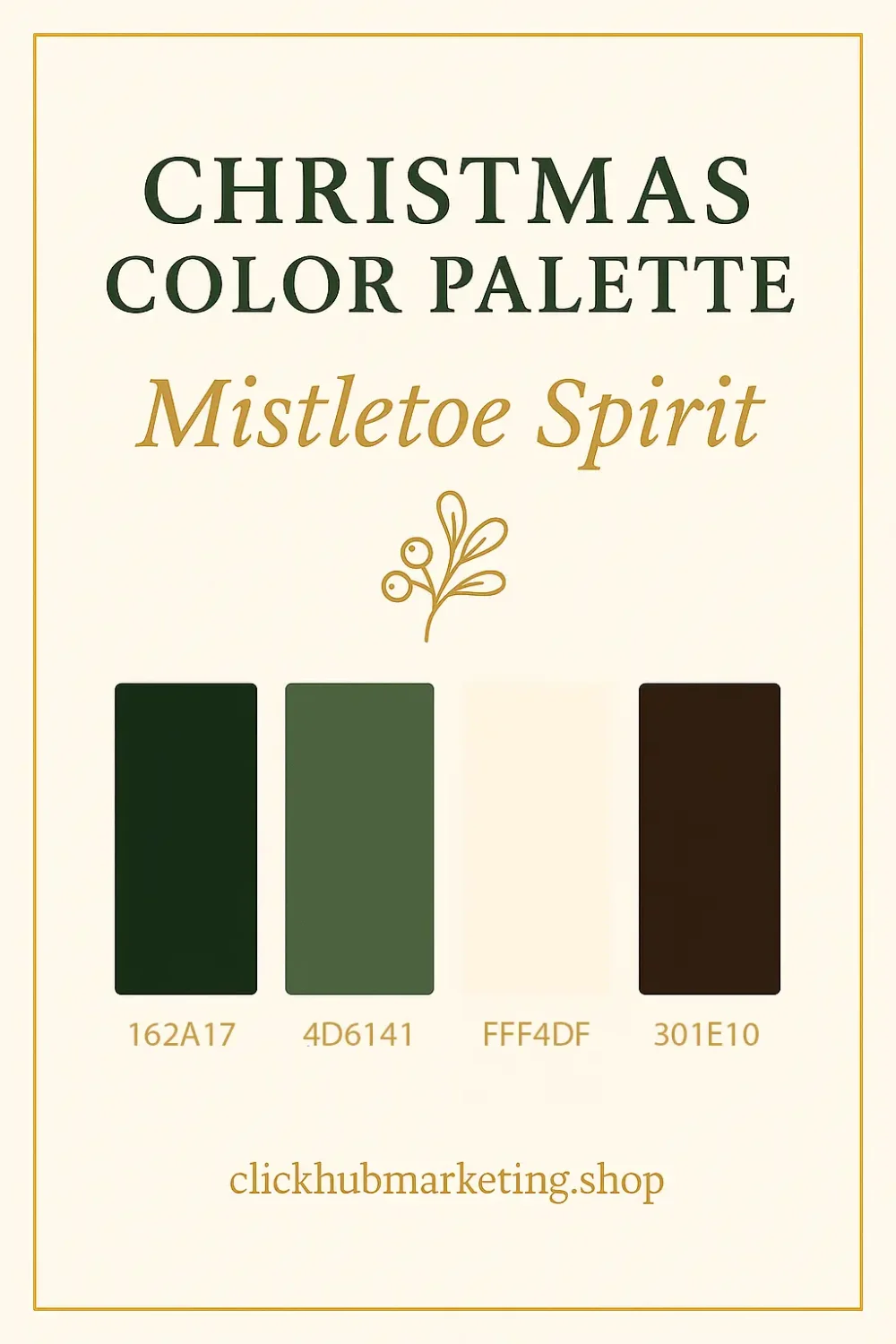
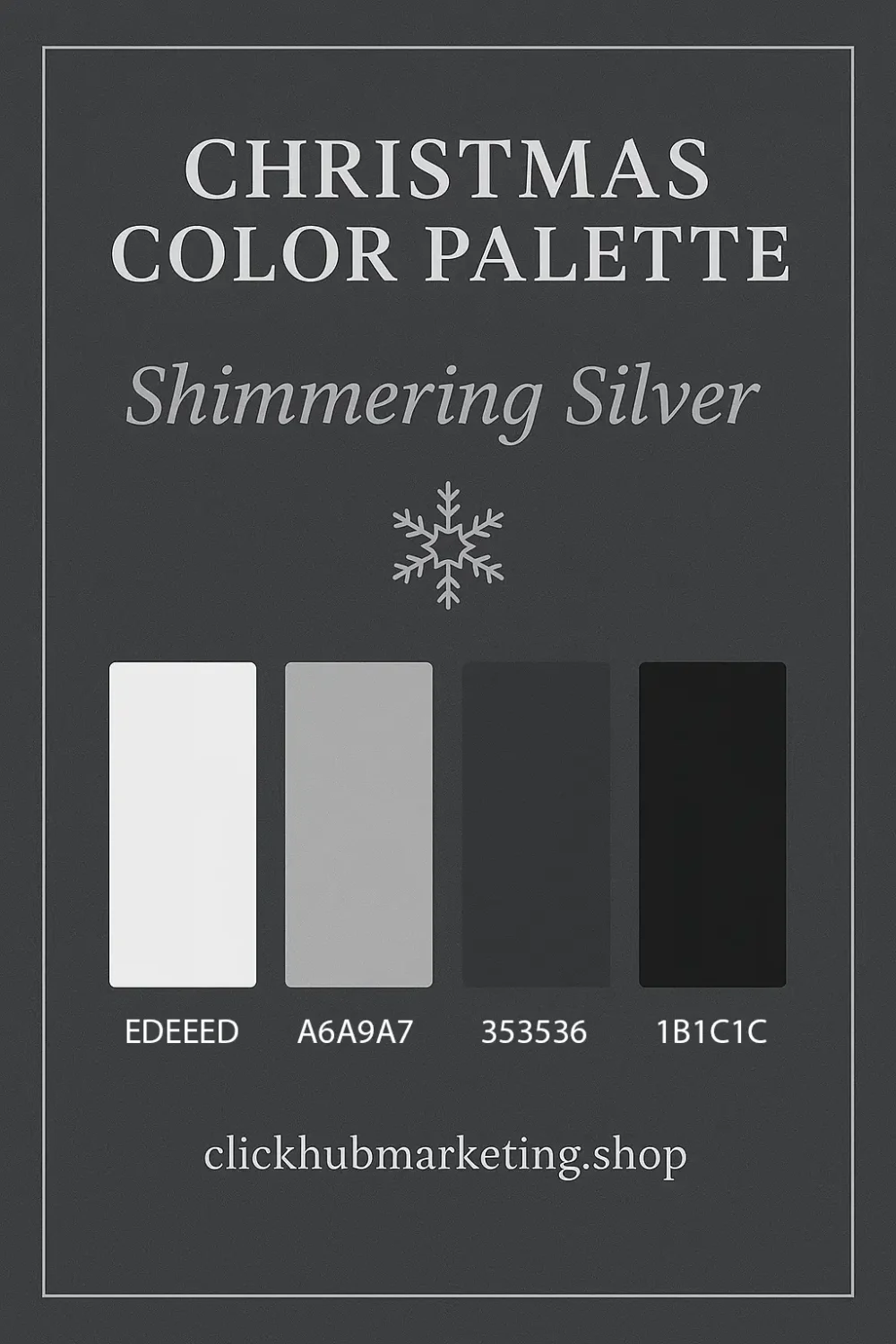

 Average total monthly cost: £25–£50


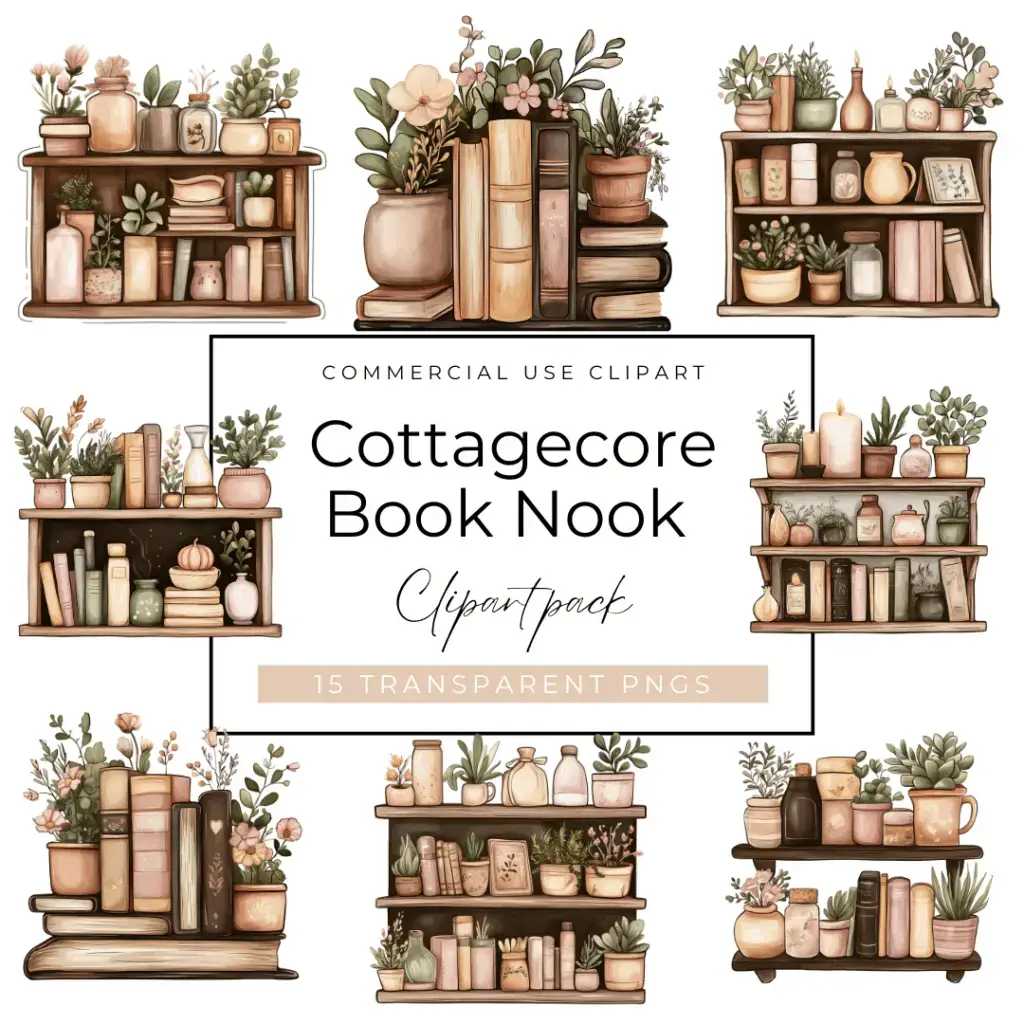




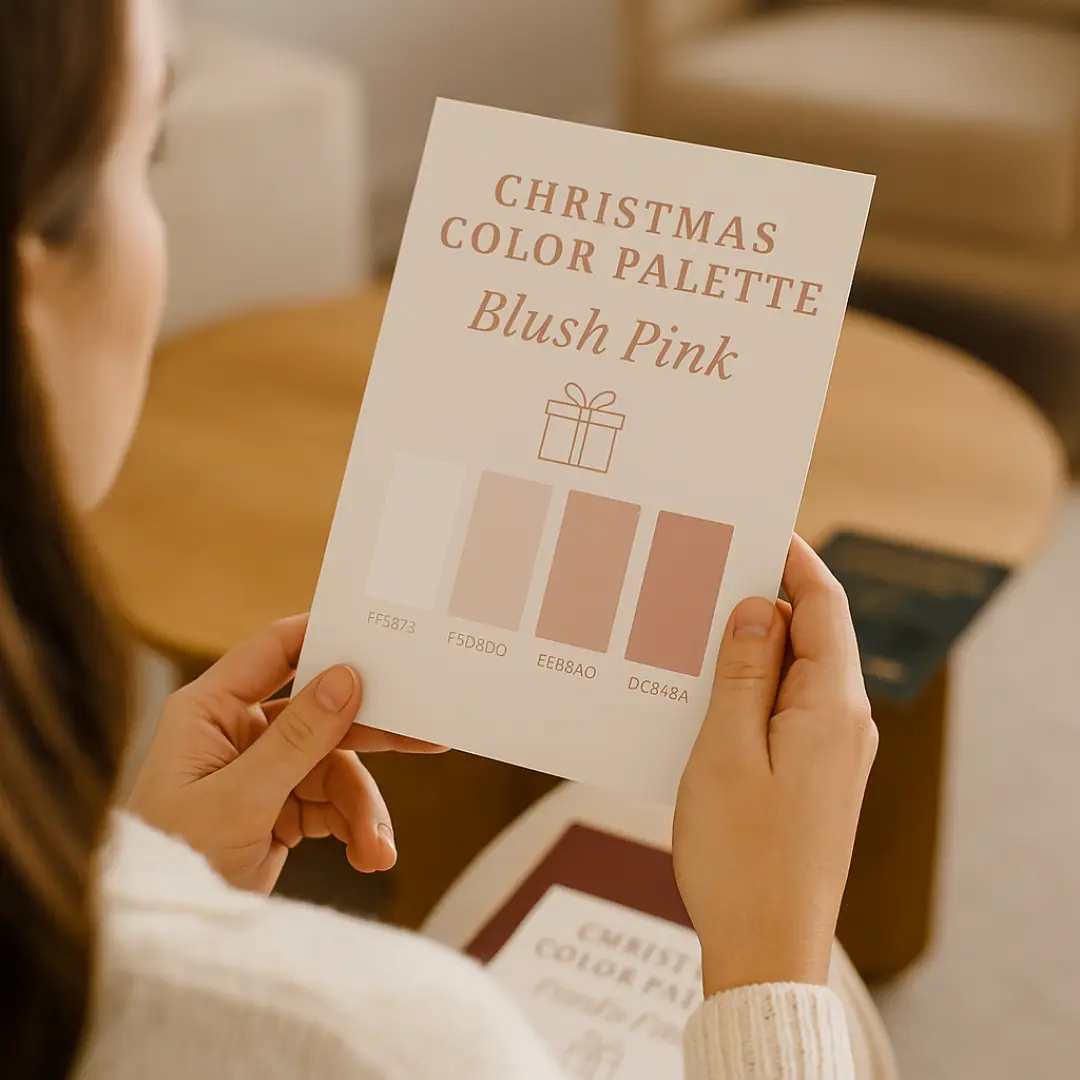
 Playlist Script (for headlines) + Montserrat (for clean subheadings)






 Helpful resource:

 Want access to all our evergrowing PLR resources?